


Wattpad - Read & Write Stories
3.8212.68K Reviews
App Specs
- Version
- 11.35.1
- Updated On
- License
- Free
- Downloads
- 100,000,000+
- Developer
- Wattpad.com
- Categories
- Books & Reference
- Platform
- Android, iOS
Screenshots
 Analysis by AppCompare
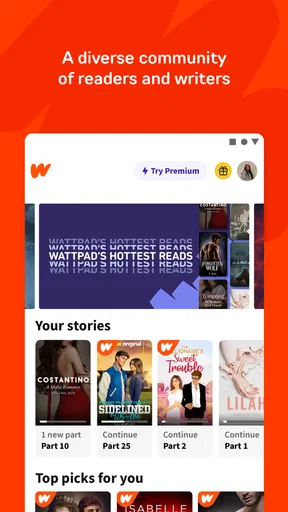
I approach Wattpad with a slightly different question from “What should I read next?”: how comfortable am I sharing space with a large community of readers and writers? It is a reading and writing app from Wattpad.com, and its social side is part of the experience rather than an extra tucked away at the edges. That can make a story feel lively, but it also means I think about account choices and what I post, not only about the next chapter.
Trust starts with the kind of app it is
Wattpad sits in the books and reference space, but it does not feel like a traditional digital bookshelf. A conventional ebook reader is usually centered on books selected and presented as finished works; Wattpad also makes room for stories in progress, reader reactions, and writers sharing work with an audience. I find that blend appealing when I want discovery and conversation, though it is less suited to someone who wants a quiet, curated shelf with little social activity.
The app is free to install, with in-app purchases priced from $0.99 to $89.99 per item. That makes the basic decision simple: I can try it without paying upfront, then decide whether any paid option is worth considering for my own use. I would not treat “free” as a promise that every possible reading choice or extra will always be free; I check the purchase details shown in the app before spending. Wattpad has a Teen content rating, which is useful context for families, but I would still judge individual stories and conversations rather than assuming that one age label makes every item suitable for every teen.
Guides and Analysis on Wattpad - Read & Write Stories
What I can judge—and what I should not assume
Wattpad has an average rating of 3.9 from around five million ratings, and readers have left about 215,000 reviews. It has been installed over 100 million times, so it is clearly a widely used place to read and publish stories. Those figures tell me about reach and overall user response, not whether every story is polished or every interaction will suit me. The range of authors and material is part of the appeal, but it also calls for more personal judgment than a smaller, tightly edited catalogue might.
For trust, I stick to choices I can actually see and make in the app. Before publishing, I think through whether a draft is ready to share and how much personal detail I want to include in the story, profile, comments, or messages. I also look at the account controls and any privacy or interaction settings available on my own device and current app version, rather than assuming that a control exists or works a certain way. I avoid putting sensitive personal information into public-facing writing or casual exchanges; that is a sensible habit for any social reading community.
Dive Into a World of Stories
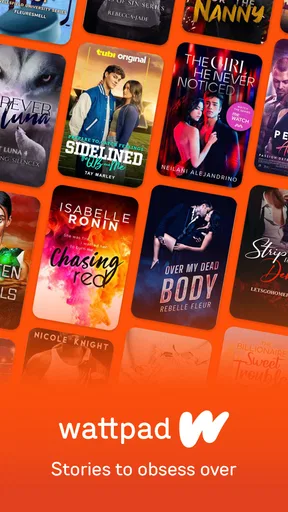
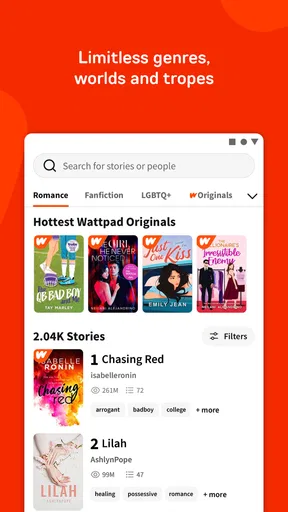
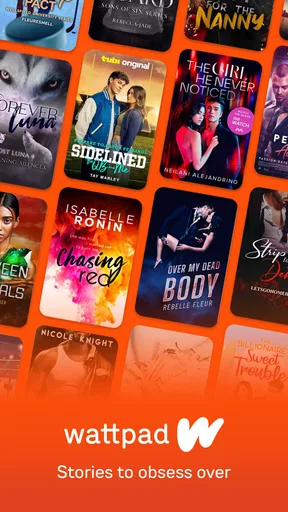
The first thing that caught my attention about Wattpad is its sheer diversity. From romance to sci-fi, and everything in between, it’s like a treasure trove of stories waiting to be discovered. You can easily scroll through the categories or discover new reads based on your interests. And trust me, there’s nothing quite like finding a hidden gem of a story that keeps you up all night.
Writing Your Own Story
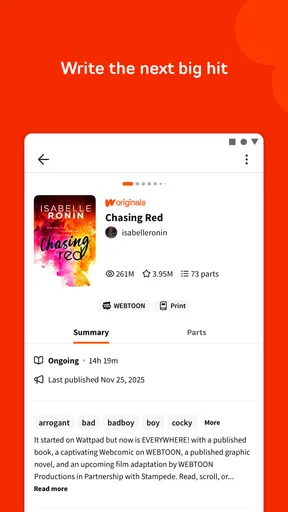
Have you ever dreamt about writing your own novel? Wattpad makes it incredibly easy. With its user-friendly interface, you can start crafting your narrative with just a few taps. It’s like having a portable writing studio right in your pocket. Plus, the feedback from the community is invaluable. You can connect with fellow writers and readers, getting insights that could help shape your masterpiece.
Worth Reading Before You Choose

Basketball Stars: Multiplayer Is Fast, but Can It Recover When Matches Go Wrong?

WEBTOON Turns Phone Updates Into a Better Reading Routine

Link to Windows Runs on Shared Habits, Not Social Feeds

How Alibaba.com Dominates the B2B Marketplace

Metro's Quiet Rise: Redefining Mobile Communication

Harnessing Ecosystem Power with Phone Tracker by Number
Community and Interaction
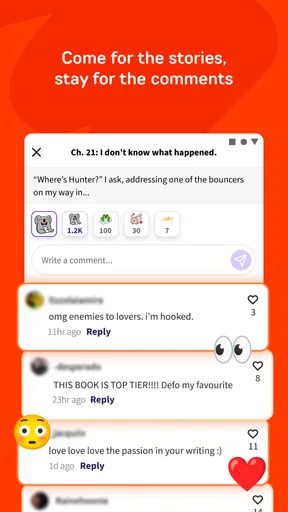
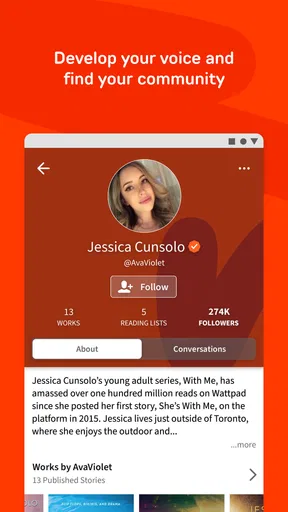
Speaking of community, Wattpad is bustling with interaction. You can comment on chapters, share your thoughts, or even message the author directly. It’s a fantastic way to connect with people who share your passion for stories. And hey, who doesn’t love a little social interaction while diving into a captivating read?
Offline Reading
One of the coolest features has to be the offline reading option. We’ve all been there—stuck somewhere without internet and desperate for something to pass the time. Wattpad’s got your back. You can download stories to read offline, ensuring you’re never without a good book.
Personalized Recommendations
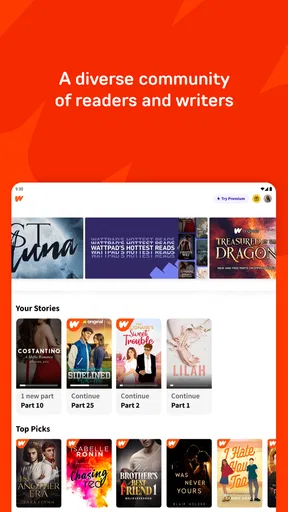
Wattpad’s algorithm is pretty smart, too. It offers personalized recommendations based on your reading habits. It’s like having your own personal librarian who just gets you. It’s always exciting to see what new stories pop up based on your past reads.
Make discovery work for you
My practical advice is to treat recommendations as a starting point, not a verdict. If a suggested story catches my eye, I check its description and opening before committing. With serial fiction, that small pause matters: a compelling premise does not guarantee that the pacing or ending will match what I want. I also keep track of titles I genuinely intend to continue instead of opening every promising result, because an expanding reading queue can quickly become more distracting than useful.
Wattpad works especially well when I want to sample several voices, follow a story as it develops, or find writing that feels more personal than a professionally packaged release. It is less ideal when I need a dependable, complete book for a long trip and do not want to assess whether a story is finished or how regularly it is updated. In that situation, a conventional ebook store or a library app with a clearly organized catalogue may be a better fit.
A useful routine for readers and writers
For a realistic everyday use, imagine a short commute with an unreliable connection. I would choose a story while online, save it for offline reading, and open it before leaving rather than waiting until the train loses signal. That turns the offline option into a practical habit instead of a last-minute hope. I would also avoid assuming that every item in my reading list is available offline; I check the story itself and prepare the particular read I want before heading out.
Writers can use the app in a similarly deliberate way. I would draft a scene when I have a few spare minutes, then reread it later before publishing rather than treating the ease of posting as a reason to share every rough thought. If I want useful responses, I make the passage clear enough for someone else to follow and ask for feedback on a specific point. That gives readers something concrete to respond to, while helping me separate constructive comments from reactions that are simply a matter of taste.
Who will enjoy it most
I would recommend Wattpad to readers who like discovering independent fiction, do not mind a social layer, and are happy to explore before settling on a book. It can also suit a new writer who wants to share work and see how readers respond. The community element is most useful when I approach it with realistic expectations: comments can be encouraging and insightful, but they are not the same as professional editing, and a busy discussion does not automatically mean that a story is right for me.
On the other hand, I would steer someone toward a standard ebook reader if they mainly want a distraction-free page, a carefully edited catalogue, or a collection of finished books selected in advance. I would also be cautious about recommending Wattpad to someone who dislikes comments, messages, or the possibility of encountering material they would rather avoid. The Teen rating provides a broad age signal, not a substitute for checking content together when a younger reader needs guidance.
Choices around reading and sharing
One trade-off I notice is that discovery and interaction can compete with concentration. Comments can add a welcome sense of company, yet reading them between chapters may interrupt the story’s rhythm. When I want to stay immersed, I focus on the text and leave discussion for afterward. When I am reading as a writer, I do the opposite: I pay closer attention to reader responses, but I try not to let one person’s preference dictate every creative choice.
The same balance applies to sharing. Publishing can make writing feel less solitary, but it also changes a private draft into something other people can react to. I would keep early experiments private or unshared until I am comfortable with them, and review what I am making visible before posting. That is not a claim about a particular privacy feature; it is a simple way to exercise control over my own choices in a social app.
The current version is 11.21.0, and the stated minimum operating system is 7.0. If I am deciding whether to install it on an older device, I check that the device meets the requirement and that the app behaves comfortably on it before building a reading routine around it. The most useful question is not just whether it opens, but whether browsing, reading, and writing feel manageable on the screen I actually use.
How I weigh the experience
Compared with a conventional ebook app, Wattpad puts more emphasis on a community and on finding stories through reader interest. That makes it more exploratory, but less predictable: a reader may need to spend time evaluating a title rather than selecting a known book and settling in. Compared with reading a printed book, it is easier to carry many stories and respond to an author, but a phone also brings the ordinary temptation to switch to other activities. I get the best experience when I decide whether I am opening the app to read, browse, or write, instead of trying to do all three at once.
Another question readers often have is whether they need to pay to begin. The app is free to install, and I can explore it before deciding whether to make an in-app purchase. Since individual purchases can range from $0.99 to $89.99, I would check the exact item and amount shown at checkout, especially if a device is shared with a family member. I would not buy something merely because I had already invested time in a story; I would first decide whether the specific purchase genuinely improves how I use the app.
For anyone wondering whether it is only for writers, my answer is no: I can use it as a reader without publishing anything. And if I am new to writing, I do not need to arrive with a finished novel. A short piece or a chapter can be a manageable way to learn whether sharing and receiving feedback suit me. The key is to choose a level of participation that feels comfortable rather than treating the social features as homework.
In conclusion, Wattpad is a fantastic platform for both readers and writers. It’s more than just an app; it’s a community, a creative outlet, and a never-ending source of entertainment. Whether you’re looking to dive into a new world or create one of your own, Wattpad has the tools and the community to support your literary adventures.
So why wait? Grab your phone, download Wattpad, and let your imagination run wild. Who knows? You might just find your next favorite story or write the one everyone’s talking about!
Pros
- Diverse community of writers and readers.
- Offline reading mode available.
- User-friendly interface design.
- Frequent updates with new features.
- Wide range of genres to explore.
Cons
- Contains ads that can be intrusive.
- Some stories lack quality control.
- In-app purchases can be expensive.
- Limited customization options.
- Text formatting issues on some devices.
FAQs for Wattpad - Read & Write Stories
What is Wattpad and how does it work?
Wattpad is a platform where users can read and write stories across various genres. It allows writers to share their work with a global audience, while readers can discover new content and interact with authors. The app provides a space for both amateur and established writers to showcase their creativity.
Is Wattpad free to use, or are there in-app purchases?
Wattpad is free to download and use, offering a vast library of stories at no cost. However, it also features in-app purchases for Wattpad Premium, which provides an ad-free experience and additional perks like offline reading and bonus content. Users can choose whether to upgrade depending on their preferences.
Can I read stories offline on Wattpad?
Yes, with a Wattpad Premium subscription, users have the ability to download stories for offline reading. This feature is particularly useful for readers who want to enjoy content without internet connectivity, ensuring they can continue their reading experience anytime and anywhere.
How can writers protect their work on Wattpad?
Writers on Wattpad can protect their work by utilizing the platform's copyright protection measures. While uploading stories, authors should ensure they have the necessary rights to the content. Additionally, Wattpad provides advice on safeguarding intellectual property and encourages reporting any unauthorized use of content.
What community features does Wattpad offer for writers and readers?
Wattpad fosters a vibrant community where readers and writers can interact through comments, messages, and forums. The app allows users to follow favorite authors, join book clubs, and participate in writing contests. This sense of community helps in building connections and gaining feedback from a diverse audience.


